Amplify your reach with our WhatsApp Broadcast software

Boost engagement with targeted, personalized, and automated campaigns, while keeping it human

Trusted by businesses

Top Features and Functionalities of WhatsApp Broadcast Solutions

Reach the audience that matters most

  • Upload contact lists or segment groups by opt-ins, tags, or demographics
  • Craft relevant content using Meta-approved templates that resonate with each audience
  • Test your messages with up to 10 sample contacts for flawless delivery

Deliver your messages with perfect precision every time

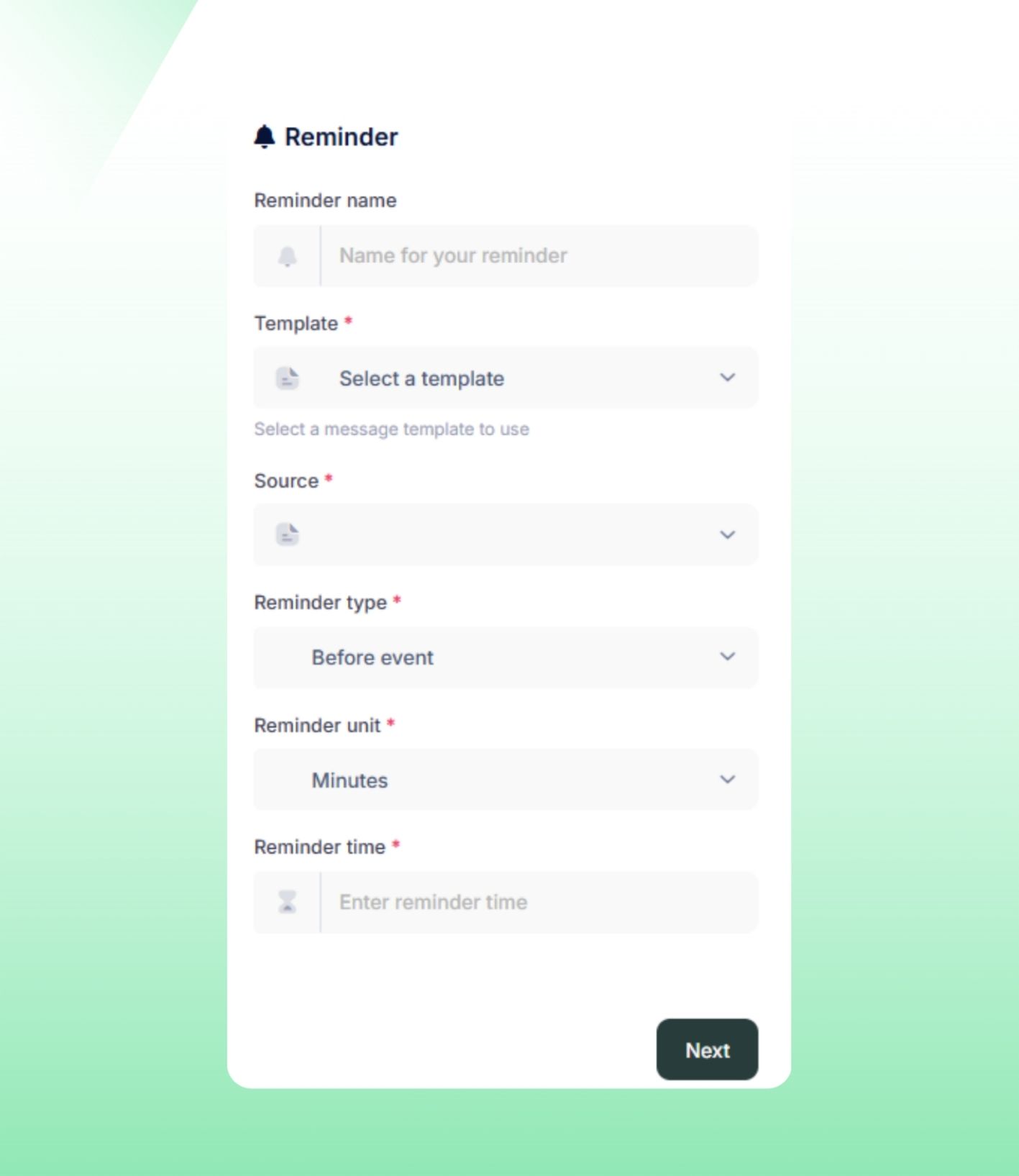
  • Automatically resend undelivered messages (up to 3 attempts) on your chosen date
  • Schedule campaigns to send at the most effective times for maximum impact
  • Edit or cancel broadcasts anytime with ease

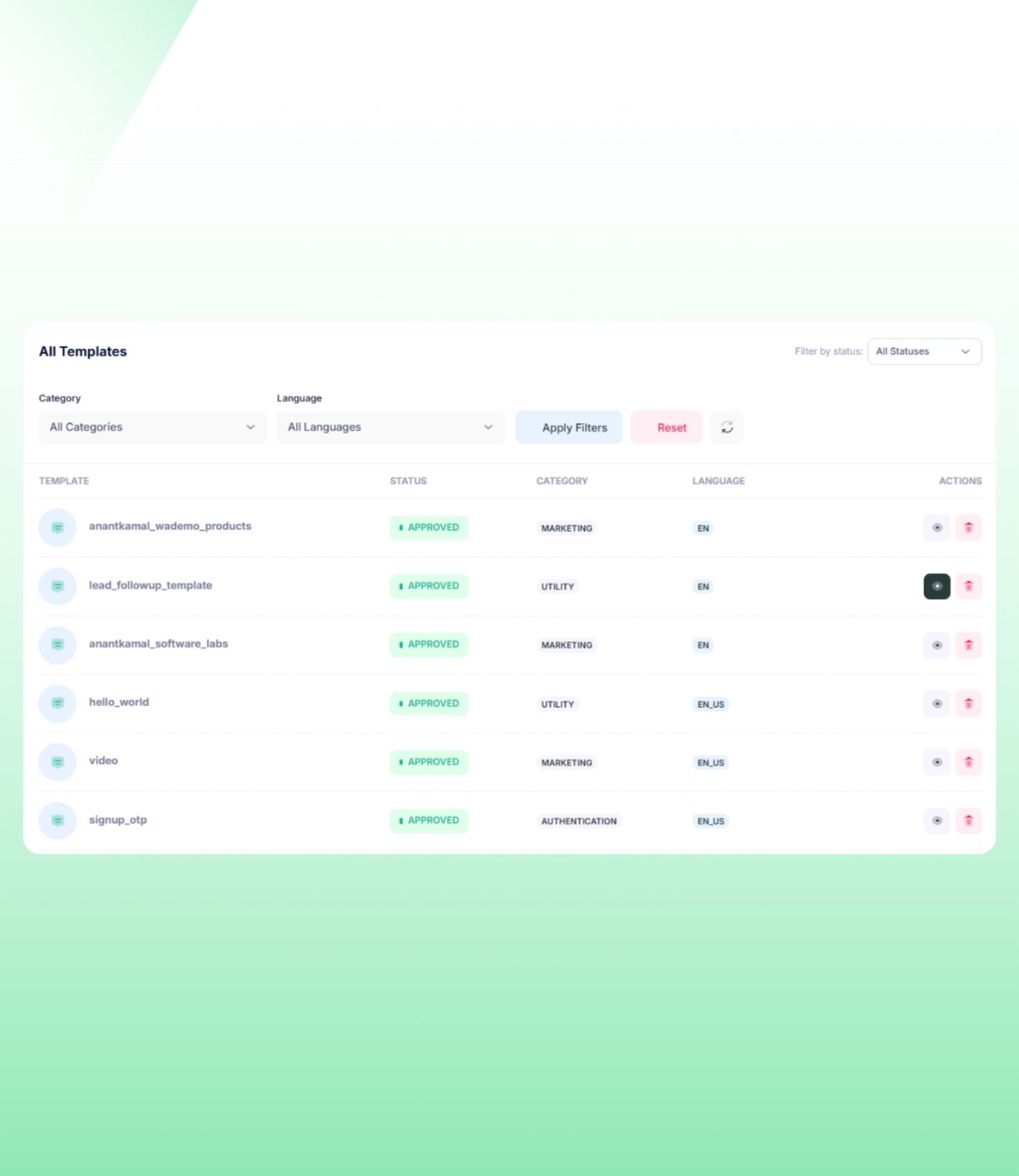
Verified templates to suit every communication need

  • Ready-to-use templates for notifications, alerts, and updates
  • Select from utility (billing alerts), marketing (promotions), or authentication (OTPs) templates to match your objective
  • Add customer-specific details to make your messages feel personalized

Optimize your processes effortlessly

  • Create, track, and manage all broadcasts from a single dashboard.
  • Automatically route replies to the appropriate team with smart assignment.
  • Reassign conversations instantly to balance workloads efficiently.

Top Benefits of Using WADEMO WhatsApp Broadcast Solution

Boost opens, replies, and conversions.

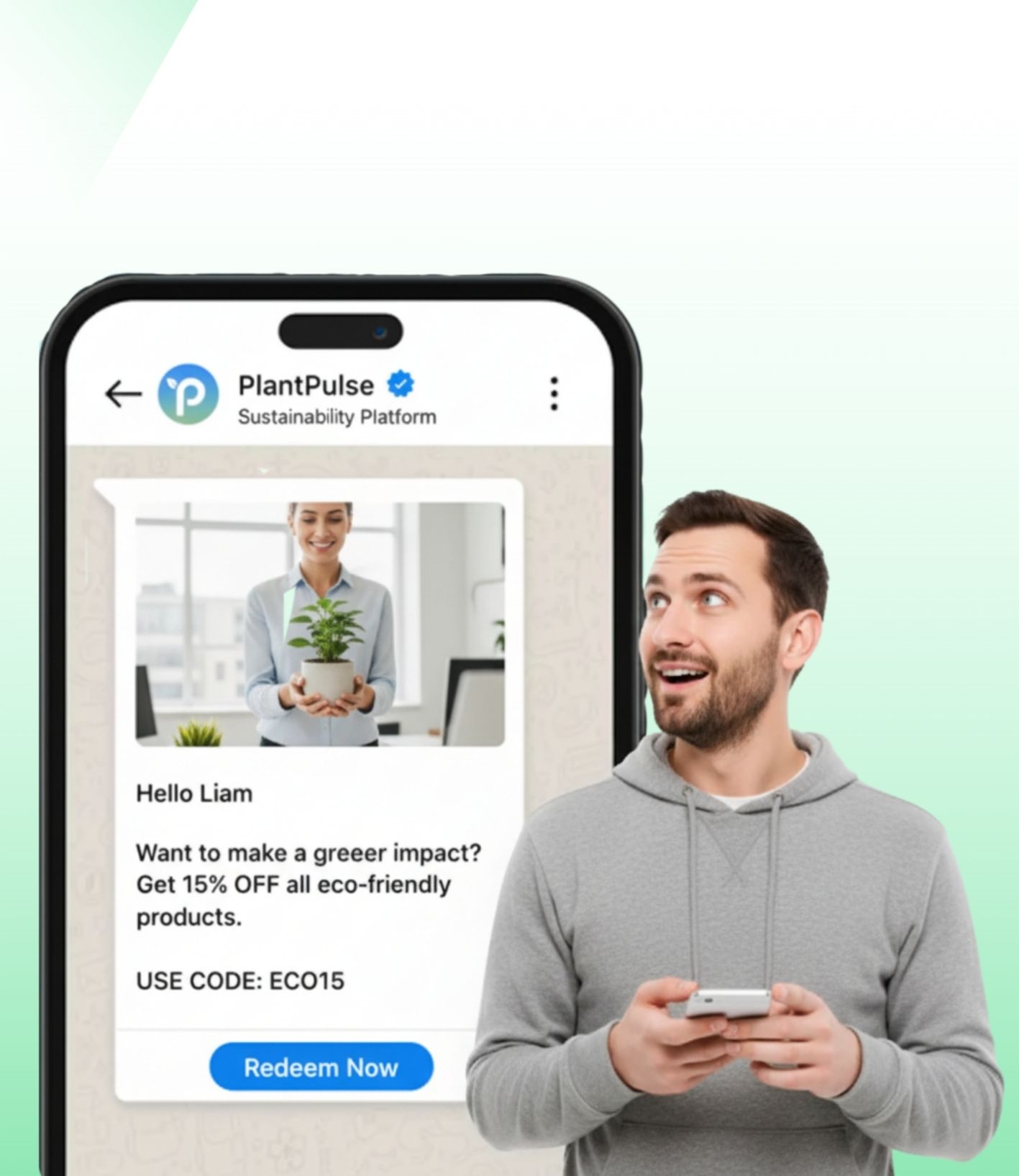
Send personalized messages at scale by segmenting your audience, and watch engagement surpass email and SMS.

Start your campaigns instantly

Manage, schedule, and track all your messages from a single dashboard—no manual effort, just quick and effective outreach

Adjust campaigns in real time

Preview messages, track performance metrics, and optimize your strategy for better results—fully compliant

Real-time updates and offers

Take advantage of WhatsApp’s high open rates for urgent alerts, and maintain engagement with smooth two-way conversations

How to get started?

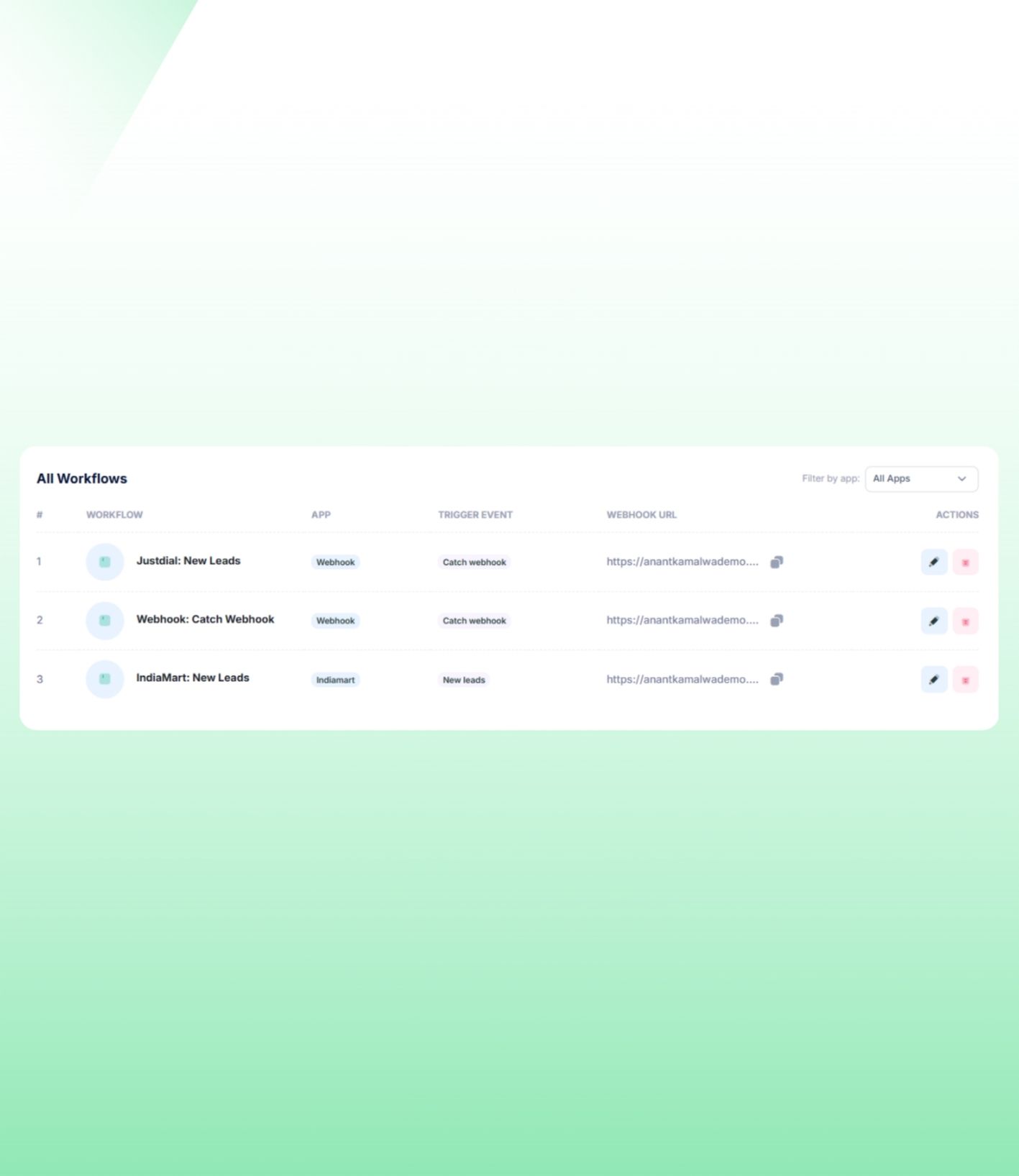
Open the broadcast option

Log in to your Wademo account and navigate to the Broadcast area from the dashboard.

Pick your contacts

Create a fresh broadcast group by selecting the contacts you wish to include.

Write your message

Prepare the message and modify it according to what you want to send.

Send or schedule

You can either send the broadcast immediately or set a time to send it later.

Preview
WADEMO Assistant