
Trigger automated payment reminders on WhatsApp,Deliver safe, one-tap payment links with ease,Send invoices instantly for faster processing also Boost collections with smooth, end-to-end payments.
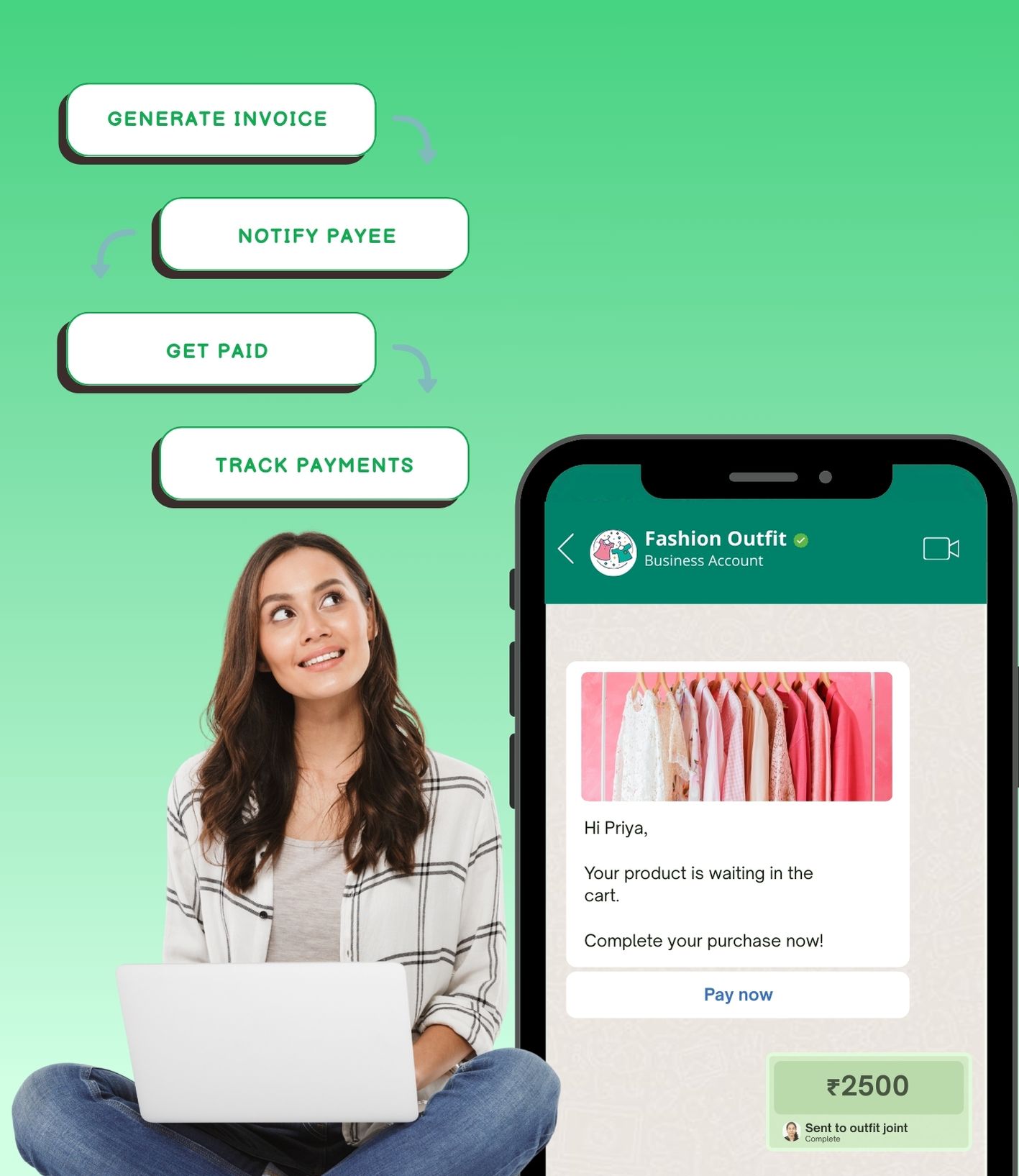








Convert leads into buyers instantly without ever moving them out of WhatsApp
/12.jpg)
Remove repetitive follow-ups while delivering timely, personalized communication
/13.jpg)
Turn overdue payments into timely deposits while keeping your communication warm and respectful
/14.jpg)
Work with payment gateways, UPI, and custom gateways — no tech headaches
/15.jpg)
Every payment is safeguarded with a UPI PIN, and WhatsApp never stores your card or bank details. Funds are transferred directly between accounts through trusted partners like BHIM UPI, ensuring full compliance and complete peace of mind
Connect your bank account once to send and receive payments effortlessly through WhatsApp. No repeated logins or app switching — just quick, UPI-powered transactions for you and your customers
Check payment confirmations, transaction history, and refund statuses right within the chat. Stay organized and manage all financial records without switching between apps or dashboards
Customers can pay instantly within WhatsApp without being redirected to other apps. Share payment links during conversations to close deals in seconds and boost conversions
Automatically resolve billing queries, send reminders, and process refunds without manual intervention. AI-powered workflows manage repetitive tasks, allowing your team to focus on high-value customer interactions
Leverage WhatsApp’s billions of users worldwide while catering to regional markets, like India with UPI. Deliver secure, localized payment experiences that enhance credibility and foster customer loyalty
Send rich-media content — videos, PDFs, or guides — instantly when prospects ask. No delays, no unanswered messages — just consistently high response rates..
Share catalogs, demos, and guides seamlessly. Avoid broken links and boost engagement 5X by presenting product info via PDFs, videos, or embedded pricing right in the chat..
Head to the “Configure Payment Gateway” section in your WADEMO dashboard Click Connect beside “WhatsApp Pay” to open the setup window
Select the WhatsApp channel (Indian number linked to WADEMO) and enter the payment configuration name exactly as it appears in your Meta Business Suite
Pick your preferred provider (e.g., RazorPay) and fill in the required setup details used in WhatsApp Business Manager Ensure your UPI IDs or API keys are accurate
You can add multiple providers (e.g., UPI for instant transfers, payment gateways for cards) and switch between them smoothly
/8.jpg)